
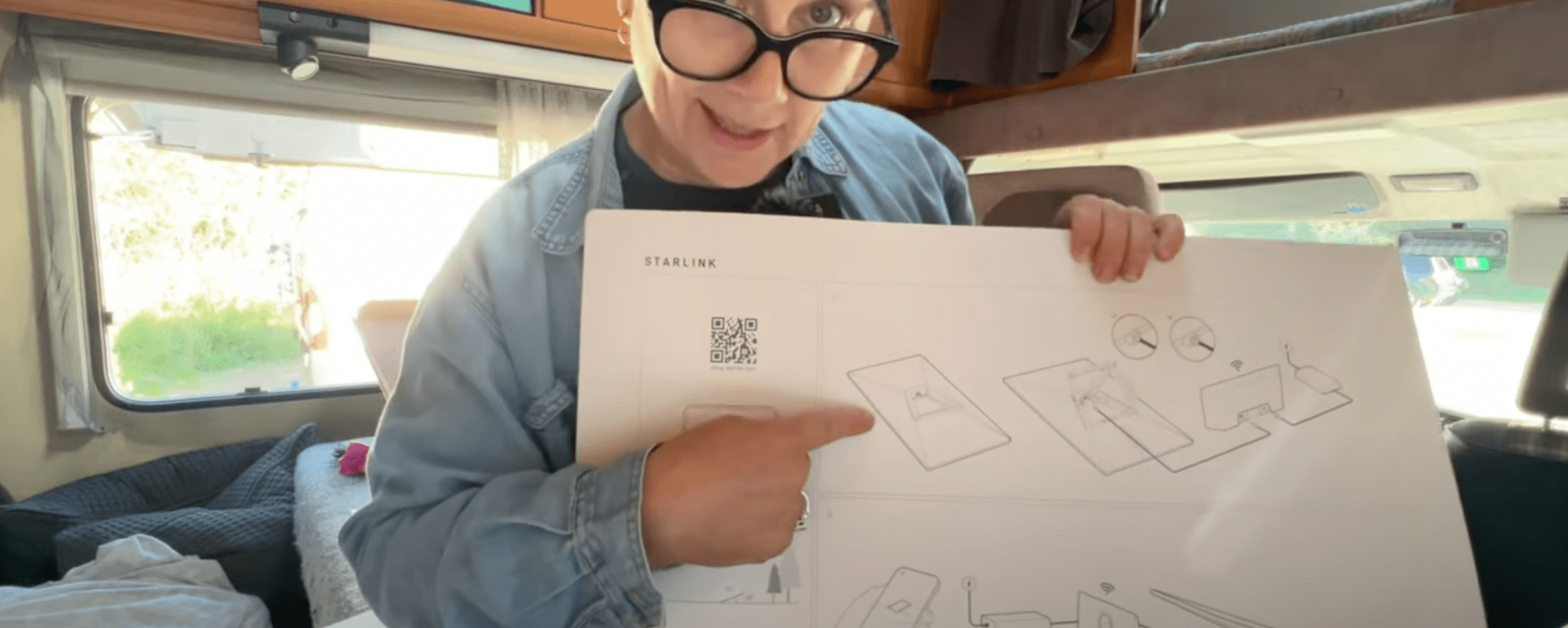
For months, my internet situation has been driving me absolutely bonkers. Whether it’s uploading videos, learning new filming techniques, or simply navigating with maps, my current setup just wasn’t cutting it. I’ve spent way too much time in slow McDonald’s Wi-Fi spots, and finally, I decided enough was enough. Enter Starlink—my long-awaited solution to all my internet woes.
Starlink promises to provide unlimited, high-speed Internet, using satellites so it works basically anywhere in the world.
A Special Delivery: My Starlink Arrives!
After a long saga, my Starlink package finally arrived, and I couldn’t be more excited. Getting stable internet in a van is a challenge, and this package was about to make life so much easier.
But, of course, it wasn’t all smooth sailing.
Why I Needed Starlink
Using a travel e-SIM on my mobile had done a good job up to a point, but as a heavy internet user—constantly uploading, streaming, and researching—data limits and slow speeds were making my work nearly impossible. My uploads were taking hours, and when I ran out of data, even something as simple as loading Google Maps became a nightmare.
Unboxing & Setting Up Starlink
Here’s what’s in the box and how the setup process went:
1. Download the App – The included QR code led me to the Starlink app, which made setup super easy.
2. Unpack Everything – The Starlink kit includes, the satellite dish (it’s much prettier than I expected!), power cords, a stand for setup and the inbuilt wifi router.
Find a Good Spot – Starlink needs a clear view of the sky, away from trees and obstructions. In a van, that meant finding an open space.
3. Find a Good Spot – Starlink needs a clear view of the sky, away from trees and obstructions. In a van, that meant finding an open space.
4. Plug Everything In – Connecting the power, router, and satellite dish was straightforward.
5. Wait for Configuration – The system took 5–10 minutes to calibrate and find satellites.
And then… IT WORKED! Instant, high-speed internet, no more struggling with data limits!
A Few Unexpected Hiccups
Delivery Address Confusion
When I ordered from McDonald’s Wi-Fi in Switzerland, I had my billing address in Australia but delivery to the UK. The system combined the two, leading to failed deliveries and a DHL pick-up saga.
The Wrong Plug!
Because I had it delivered to the UK, the kit came with a UK power plug. My van, however, is wired for Netherlands-style plugs, which meant I couldn’t plug it in directly.
Thankfully, I had a power adapter, but I could now only power either my Starlink or my laptop at a time—something to be mindful of when ordering!
Pricing and a Surprise Cost Increase
Here’s the breakdown of what I paid:
Starlink Kit: €380 ($770 AUD)
Monthly Subscription: €85 ($170 AUD/month)
Unfortunately, two days after activation, Starlink announced a price increase of €11/month ($20 AUD). While I did gain a few extra roaming features, it was frustrating to see the price go up immediately after setting everything up.
Final Thoughts & What’s Next
Despite the hiccups, Starlink is a game-changer for my van life. The setup was relatively simple, and the speed and reliability are miles ahead of what I had before.
However, I want to test it out further. In an upcoming video, I’ll be:
Testing speeds across different locations
Checking battery usage in the van
Trying Starlink on the move
If you’re considering Starlink for van life or travel, check your power plug compatibility and be aware of possible delivery address mix-ups!
🚀 Stay tuned for more updates, and if you’re interested in seeing how Starlink performs in different countries, hit that subscribe button!
Discover more from Helen Wheels - Solo Female Van Life Adventures
Subscribe to get the latest posts sent to your email.
 Helen Wheels - Solo Female Van Life Adventures